Check your pipeline in seconds
"What deals moved this week?" Claude summarises it without you digging.
Ask Claude to prospect, check deals and draft outreach without leaving the chat.
No copy-paste. No context-switching.
"What deals moved this week?" Claude summarises it without you digging.
Account history, past conversations and open plays, summarised before you dial.
Find leads and enrich records without opening a new tab. Claude pulls company data, hiring signals and contact intel live.
Write emails, SMS and LinkedIn messages with real prospect context. Your templates, your tone, your data.
Claude can also create tasks, update stages and log notes, all from chat.
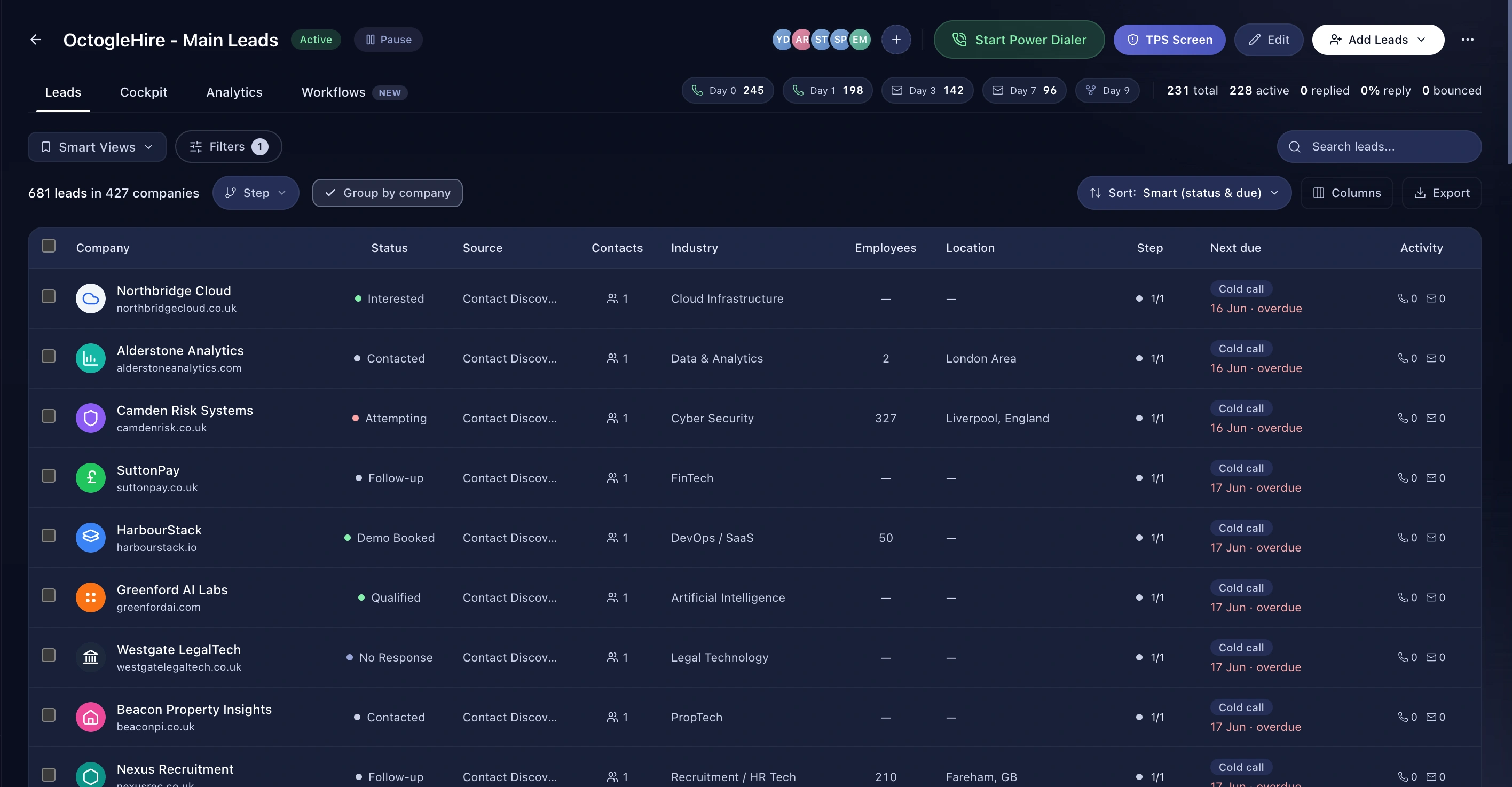
Connect once in Claude settings. Add the Leadey MCP server URL and Claude gets live access to your workspace. Sending actions, so emails, SMS and tasks, always need your approval first. Claude drafts, you decide. Every action logs to your audit trail, and you can disconnect any time.
Works in Claude, Claude Code and any MCP-compatible client.
Your leads, companies, campaigns, pipeline and call history, scoped to your own permissions. Claude sees what you see, nothing more.
No. Emails, SMS, WhatsApp messages and task creation all need your approval before anything leaves the platform.
Your Leadey workspace stays EU-hosted in Frankfurt. Requests from Claude are authenticated per user and logged to your audit trail.
Remove the connector in Claude settings, or revoke the key under Settings, then API Keys in Leadey. Access stops immediately.
Explore