Engage

LinkedIn outreach that doesn't get you restricted

Connection requests, messages and profile visits from your own account, at daily limits set below LinkedIn's own.

Proof Points

  • Connection requests with a note, direct messages, profile visits
  • Defaults: 25 invites/day, 150/week, 60 messages/day, 80 views/day
  • Cheapest-first relationship resolution
  • Personal inbox only — Sales Navigator and Recruiter threads filtered out
  • Connection accepted workflow trigger
  • Stale invites expire after 21 days
  • Login and 2FA happen on Unipile; Leadey never sees your password

How It Works

  1. Connect your LinkedIn account
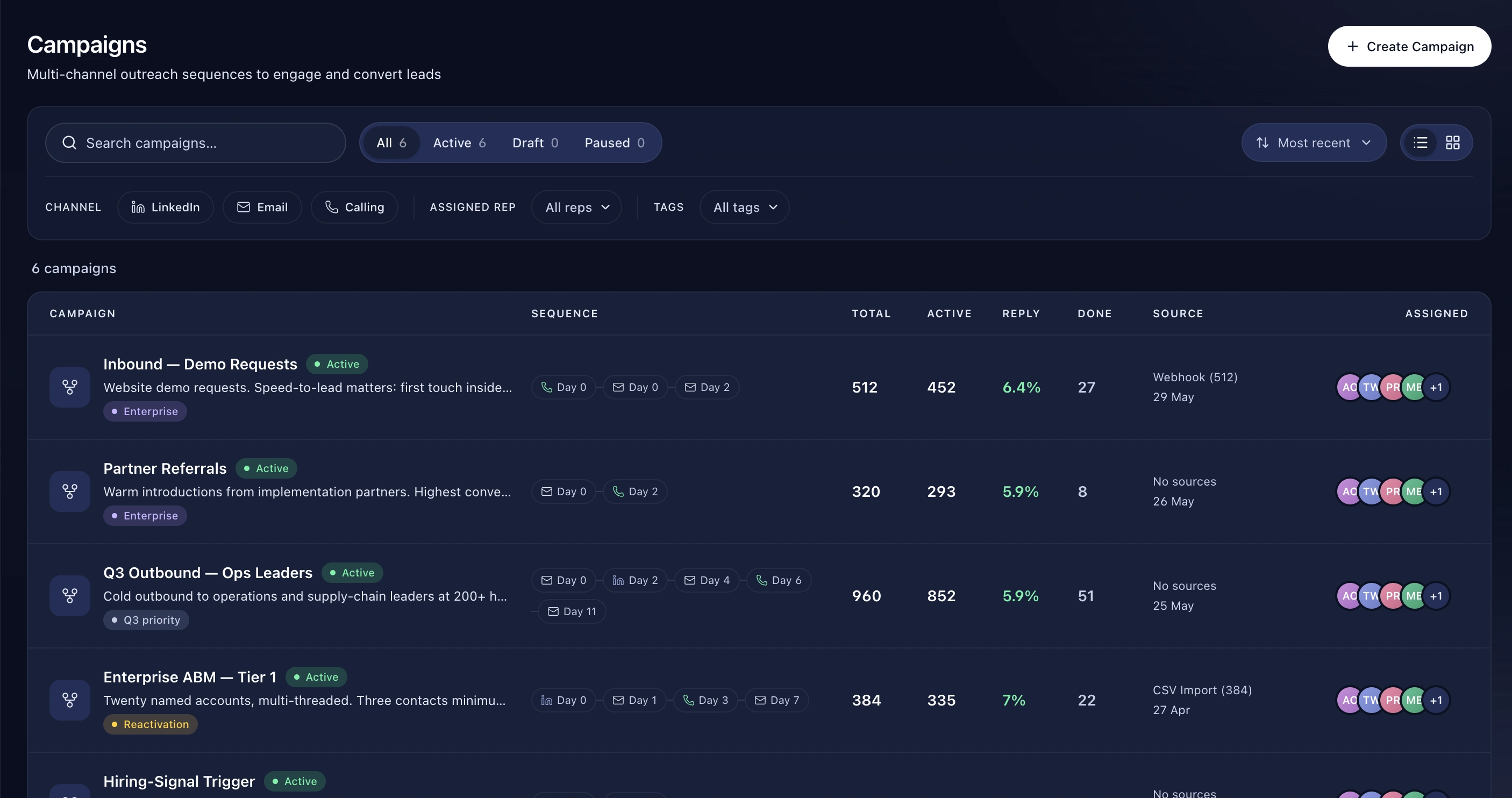
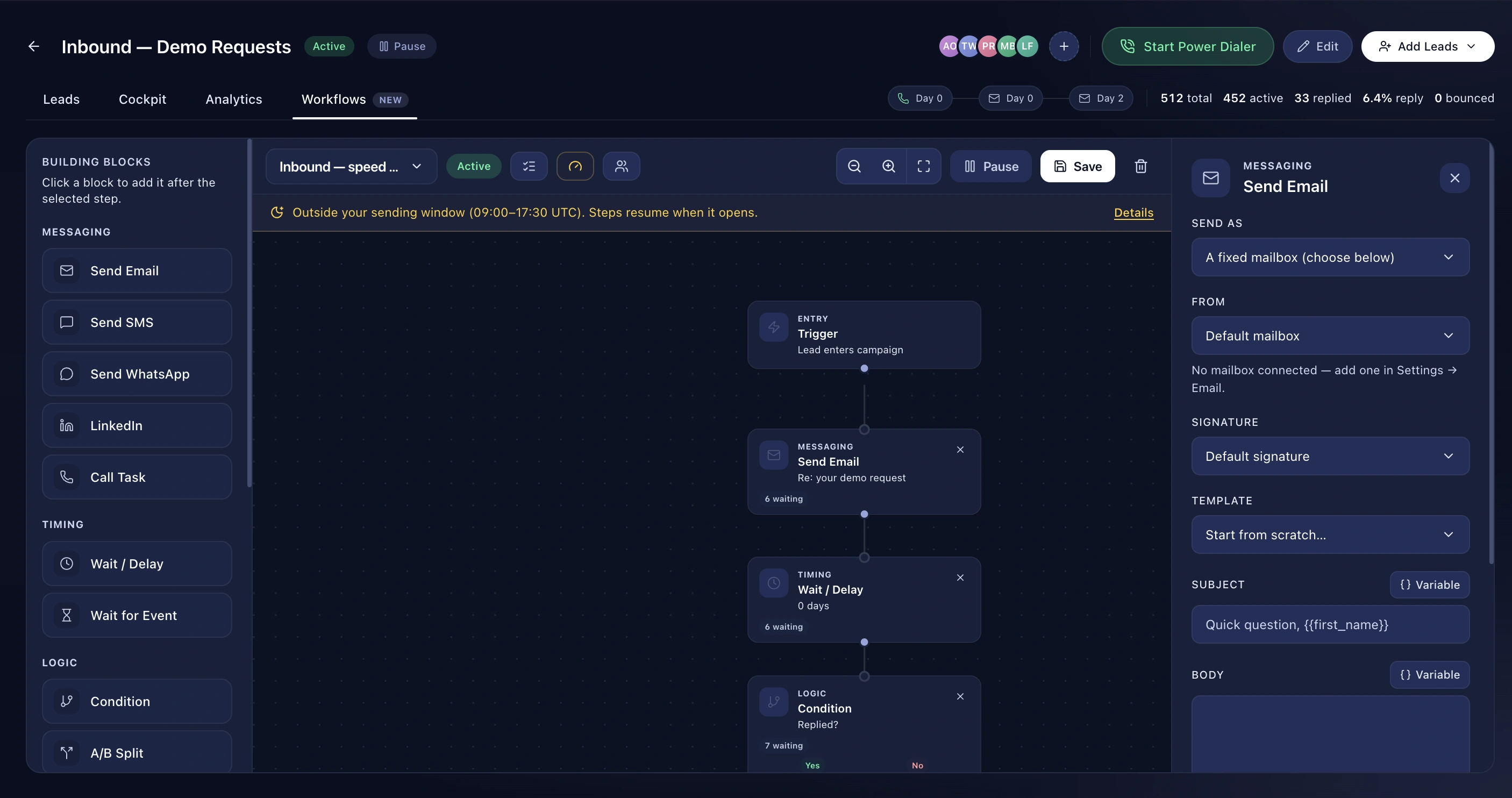
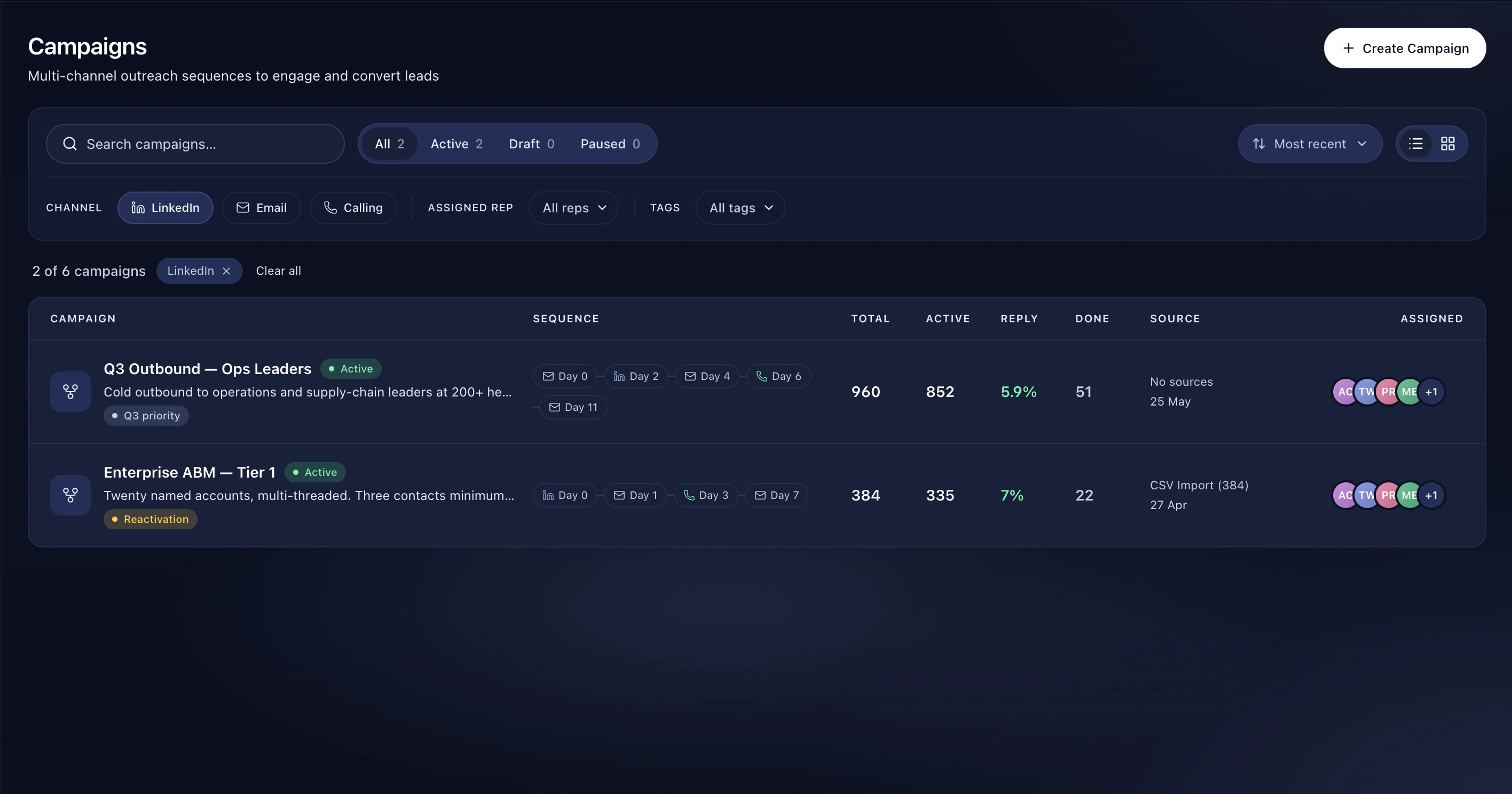
  2. Add LinkedIn steps to a campaign, or nodes to a workflow
  3. Leadey paces the sends within your daily limits
  4. Acceptances trigger the next step

Benefits

Limits set below the platform's

Twenty-five invites a day. A hundred and fifty a week. Sixty messages, eighty profile views. These are defaults chosen to sit comfortably under LinkedIn's own thresholds rather than to maximise a number on a feature list.

Don't waste invites on people you already know

Before sending an invite, Leadey checks the cheapest available source first — a cached connection degree, then an accepted invitation, then any message already in the thread — and only makes a live profile call if none of those answer. Sending invites to existing connections is the most common way teams burn their daily allowance for nothing, because LinkedIn rejects them outright.

Your personal inbox, not the noise

Company pages, Sales Navigator, Recruiter, group threads and LinkedIn's own automated notifications all arrive on the same account connection. Leadey filters them out, so your LinkedIn inbox in Leadey contains conversations with people.

Acceptance is a trigger

When someone accepts your invite, that fires a workflow. Send the follow-up message automatically, the moment the door opens.

Frequently asked questions

Will this get my account banned?

No automation is risk-free, but Leadey's defaults sit below LinkedIn's published thresholds and it avoids the behaviour that most commonly triggers restrictions — bursts, and invites to existing connections.

Can I raise the limits?

Yes, though we'd advise against going near LinkedIn's ceiling.

Do I need Sales Navigator?

No.

Explore