Prospect

Save the filter. Share the view.

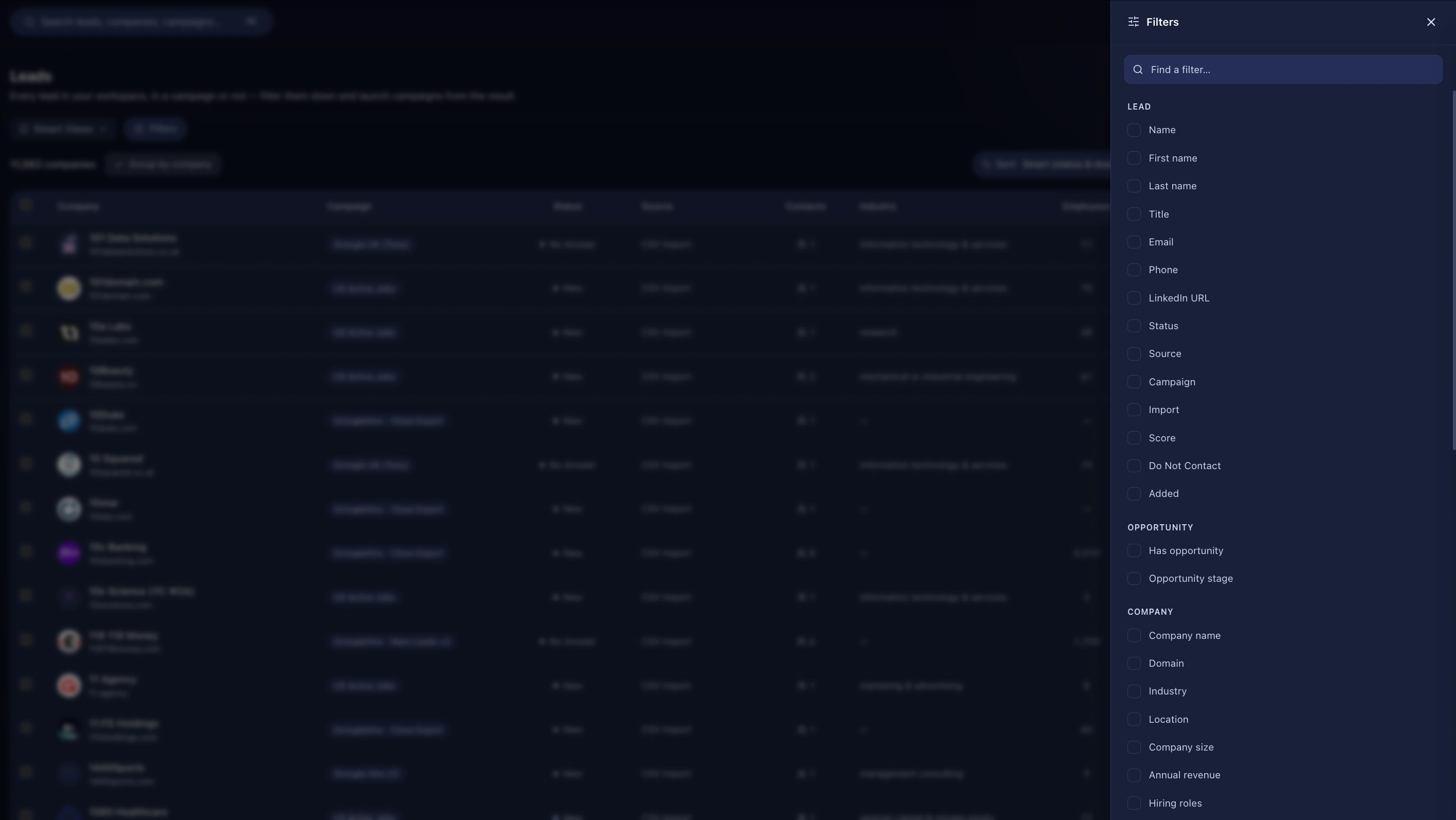
Build a filter across 50 fields, save it as a named view, and share it with the team — columns and all.

Proof Points

  • ~50 filterable fields across six groups
  • Nested AND/OR condition groups
  • Transcript keyword search
  • 14 meeting filters including attendance, RSVP, booked-via and AI call score
  • Phone matching is digit-normalised, so +44 7911 220866 and 07911220866 match
  • Views can drive continuous workflow enrolment
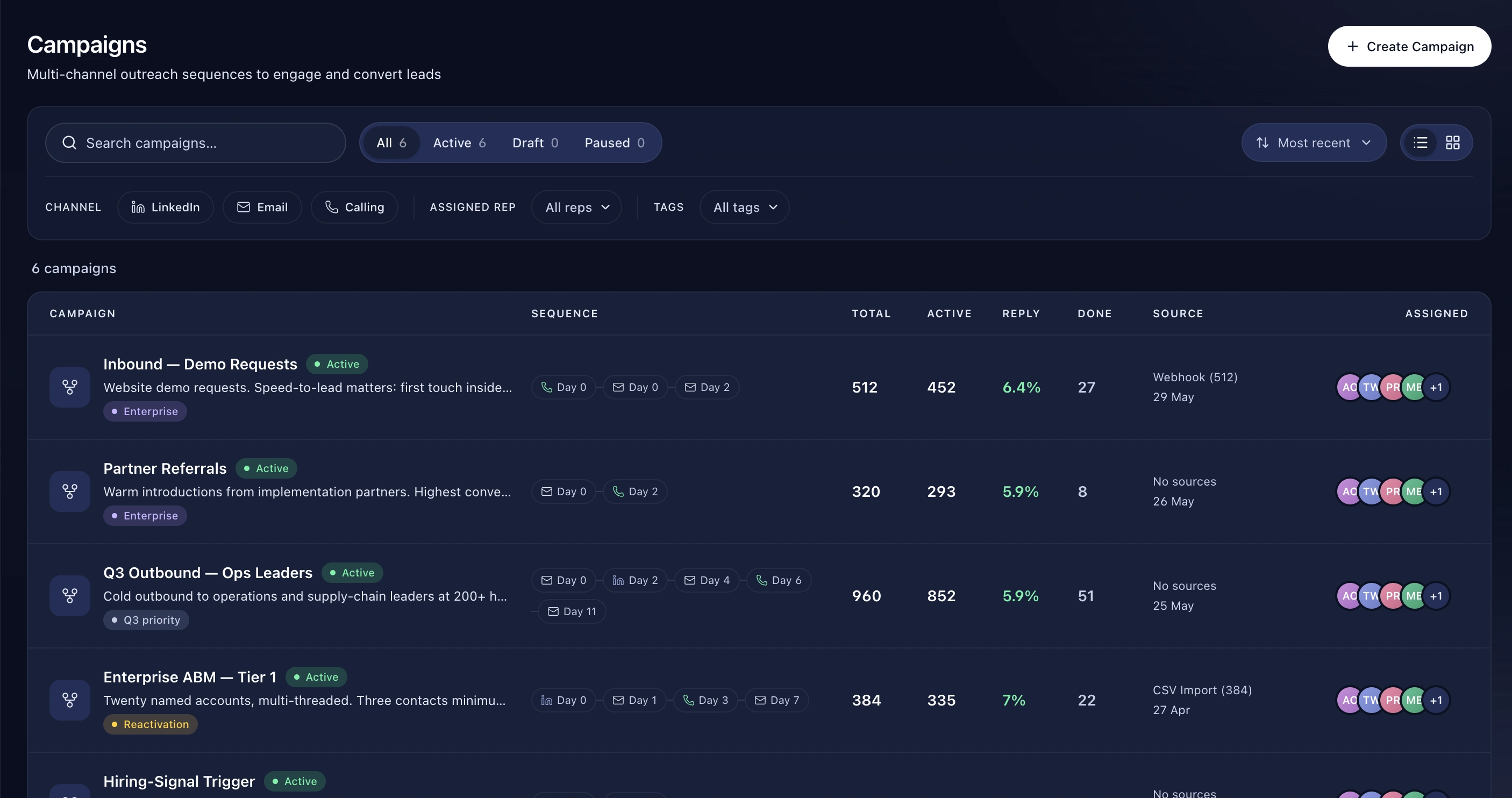
  • Create a whole campaign from a filtered set in one click

How It Works

  1. Build the filter
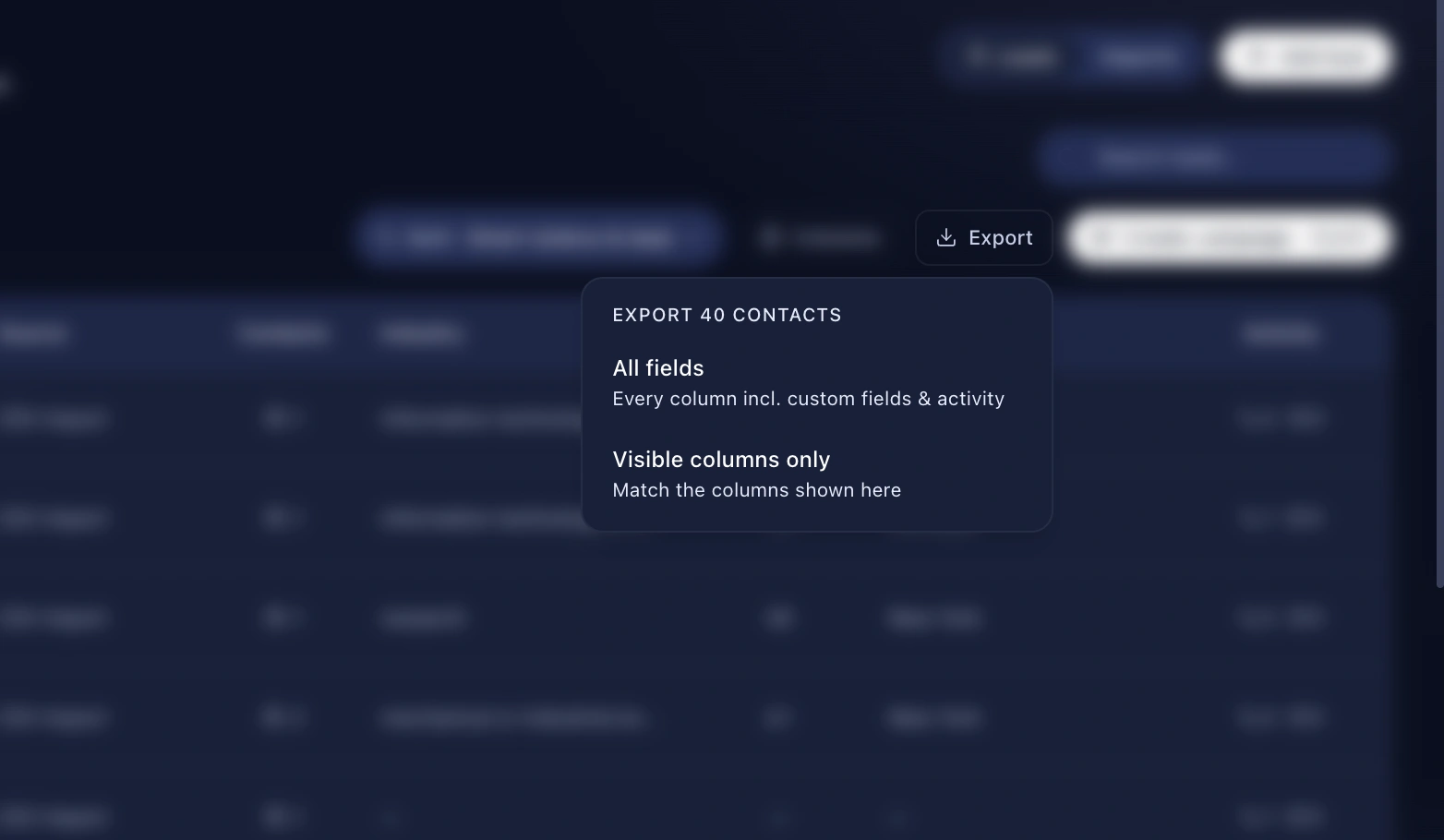
  2. Set the columns you want
  3. Save it with a name
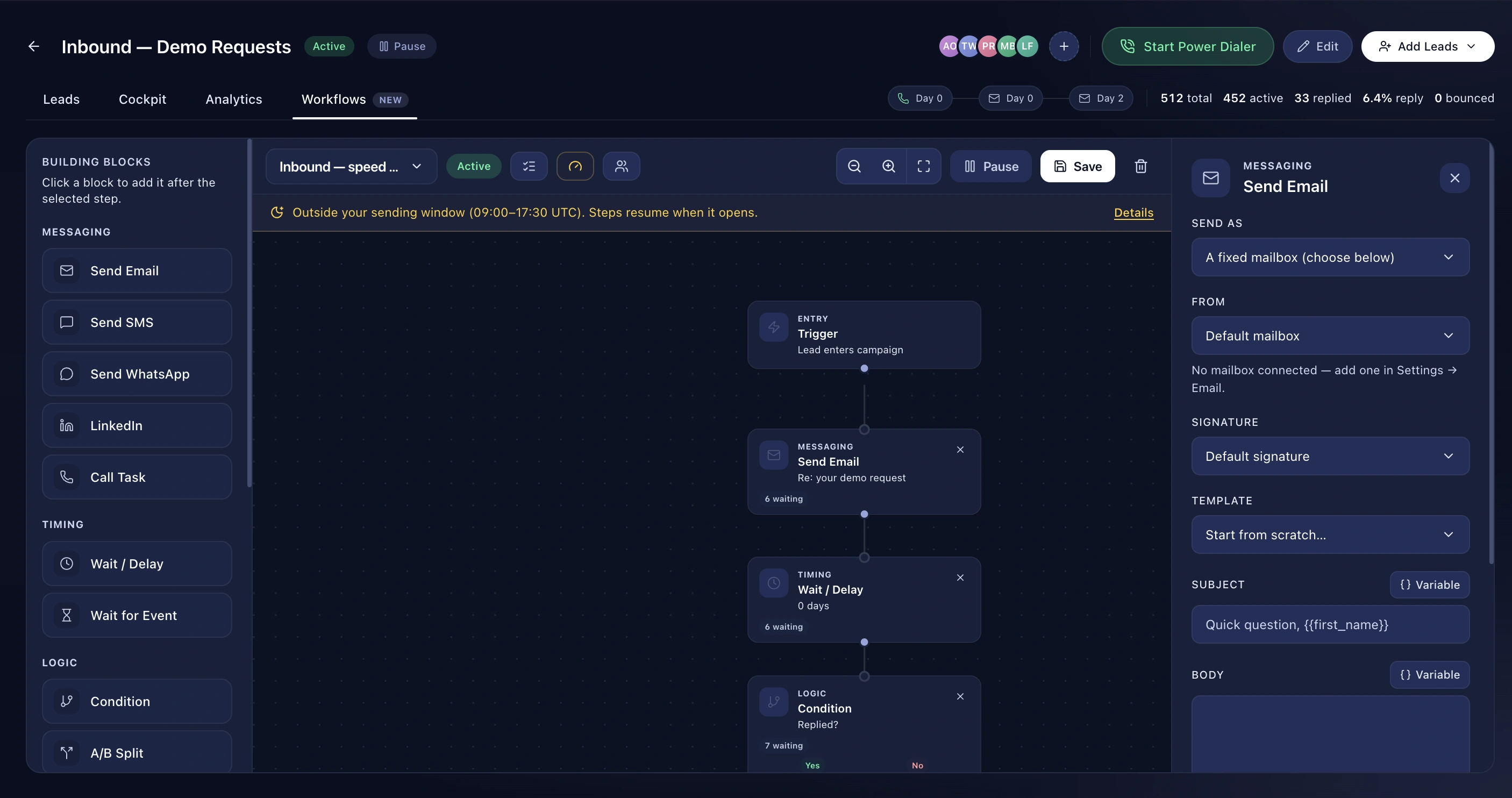
  4. It's available to the whole team, and can feed a workflow
Benefits

Fifty fields, nested logic

Group conditions with AND and OR, nest them, and mix data types freely. "Interested or callback, at companies over 500 people, that we've called at least three times, with no meeting booked" is one view.

Search what was said on the call

Filter leads by what appears in their recorded call transcripts. Every lead whose calls mention a competitor's name is a view you can save and work.

The columns come with it

A view for chasing renewals wants different columns to a view for qualifying inbound. Saving a view saves its layout, so switching views changes what you see, not just which rows you see.

Frequently asked questions

Are views private or shared?

Shared with the team by default — that's what makes them useful.

Can a view feed a campaign?

Yes, two ways: create a campaign from the filtered set, or have a workflow enrol anyone who matches the view, continuously.

Can I filter on custom fields?

Yes, every org custom field is filterable.

Explore