Platform

Connect the tools your team already uses

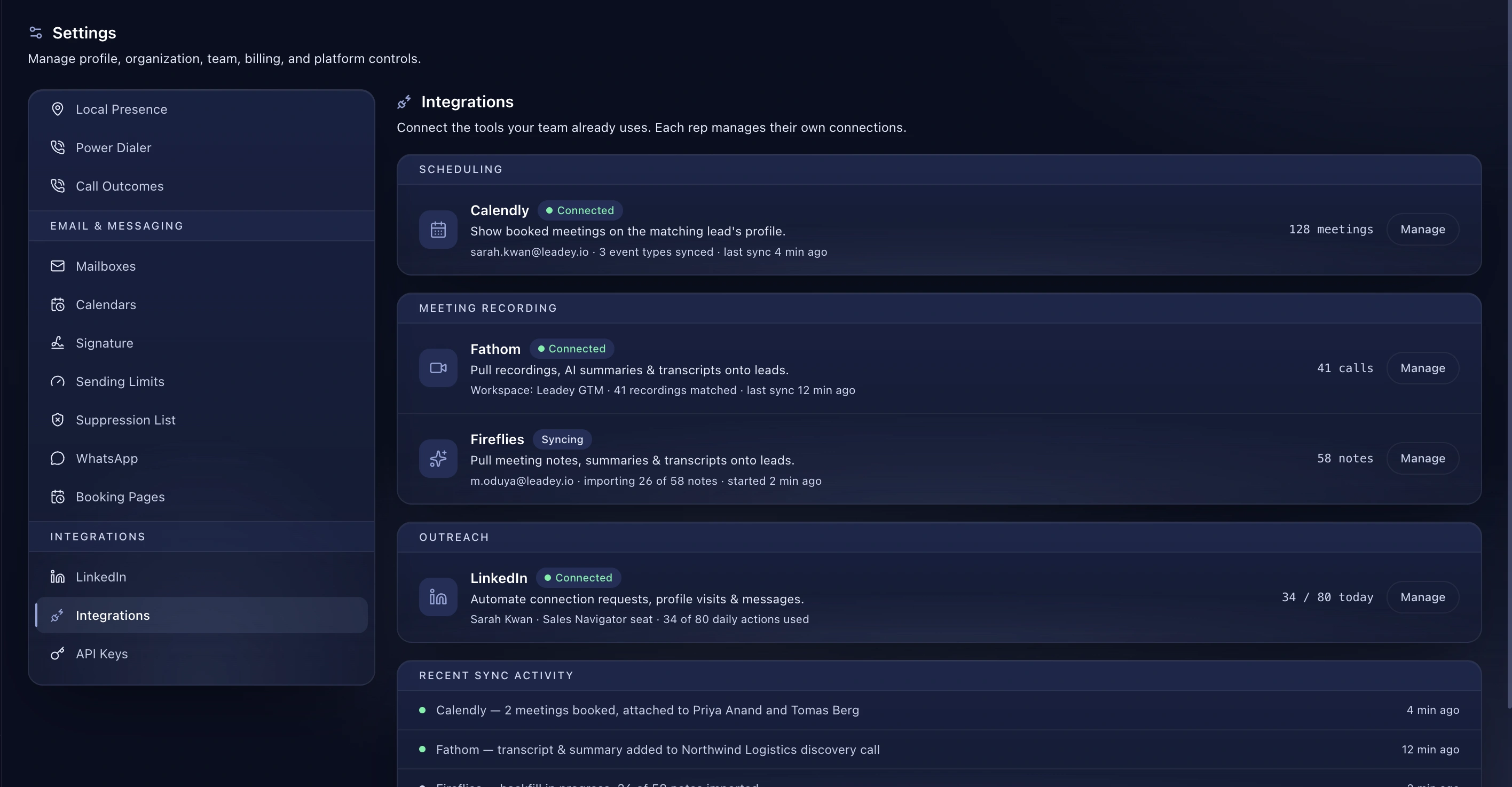
Connect the tools your team already uses. Each rep manages their own connections, and you can see exactly what every one of them is doing.

Proof Points

  • 24 tools across scheduling, recording, outreach, telephony, data and infrastructure
  • Per-rep connections, so access follows the person
  • Live status on every connection, with counters and last sync time
  • A sync log showing which record landed on which lead
  • Included on every plan, with no connector fees
  • Inbound and outbound webhooks for anything not on the list

How It Works

  1. Open Settings and find the tool under its category
  2. Sign in on the provider's own screen
  3. The connection starts syncing, with live counters on the page
  4. Watch the sync log to confirm records are landing on the right leads
Benefits

Every rep owns their own connections

Connections are per person, not per workspace. Sarah's Calendly and Sarah's LinkedIn seat belong to Sarah. Nobody has to share a login, and removing someone removes their connections with them.

You can see what each one is actually doing

Every connected tool shows its live counters on one screen. 128 meetings from Calendly, 41 recordings matched from Fathom, 34 of 80 daily LinkedIn actions used. When something stops working you find out here, not three days later when a rep mentions it.

Grouped by the job, not alphabetically

Scheduling, meeting recording, outreach, telephony, data. You look for the thing you want to connect, not the brand name you half remember.

A sync log that tells you what happened

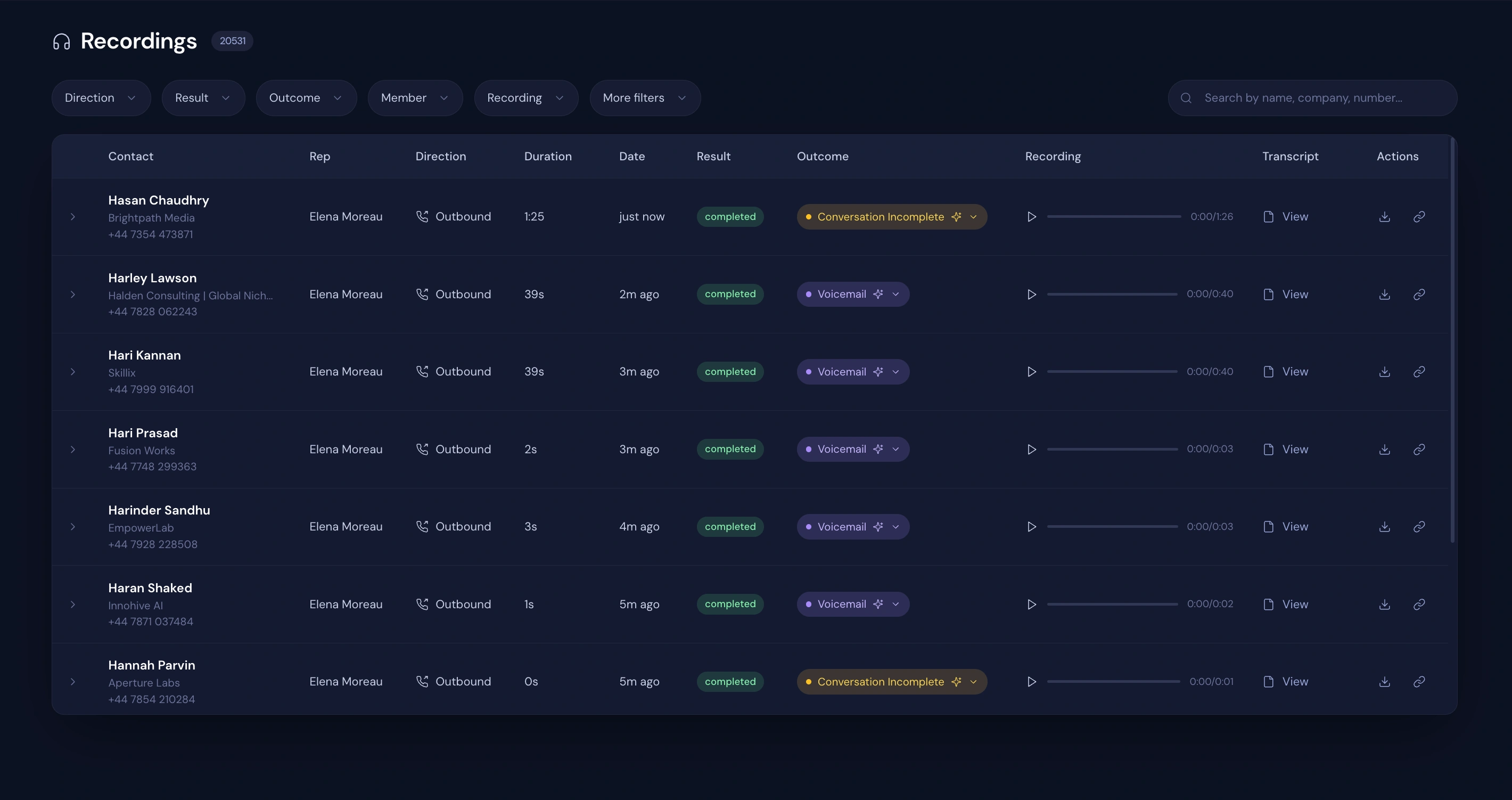
Recent sync activity lists each event as it lands: which meeting was booked, which lead it attached to, which transcript was added to which call. If a record looks wrong, the log shows where it came from.

Frequently asked questions

Does the whole team share one connection?

Each rep connects their own. There is no shared workspace login for Calendly, LinkedIn or the meeting recorders, so access follows the person.

What happens if a connection breaks?

The integration shows its status on this screen and the sync log stops advancing. Reconnect from the same page.

Can I connect something that isn't on the list?

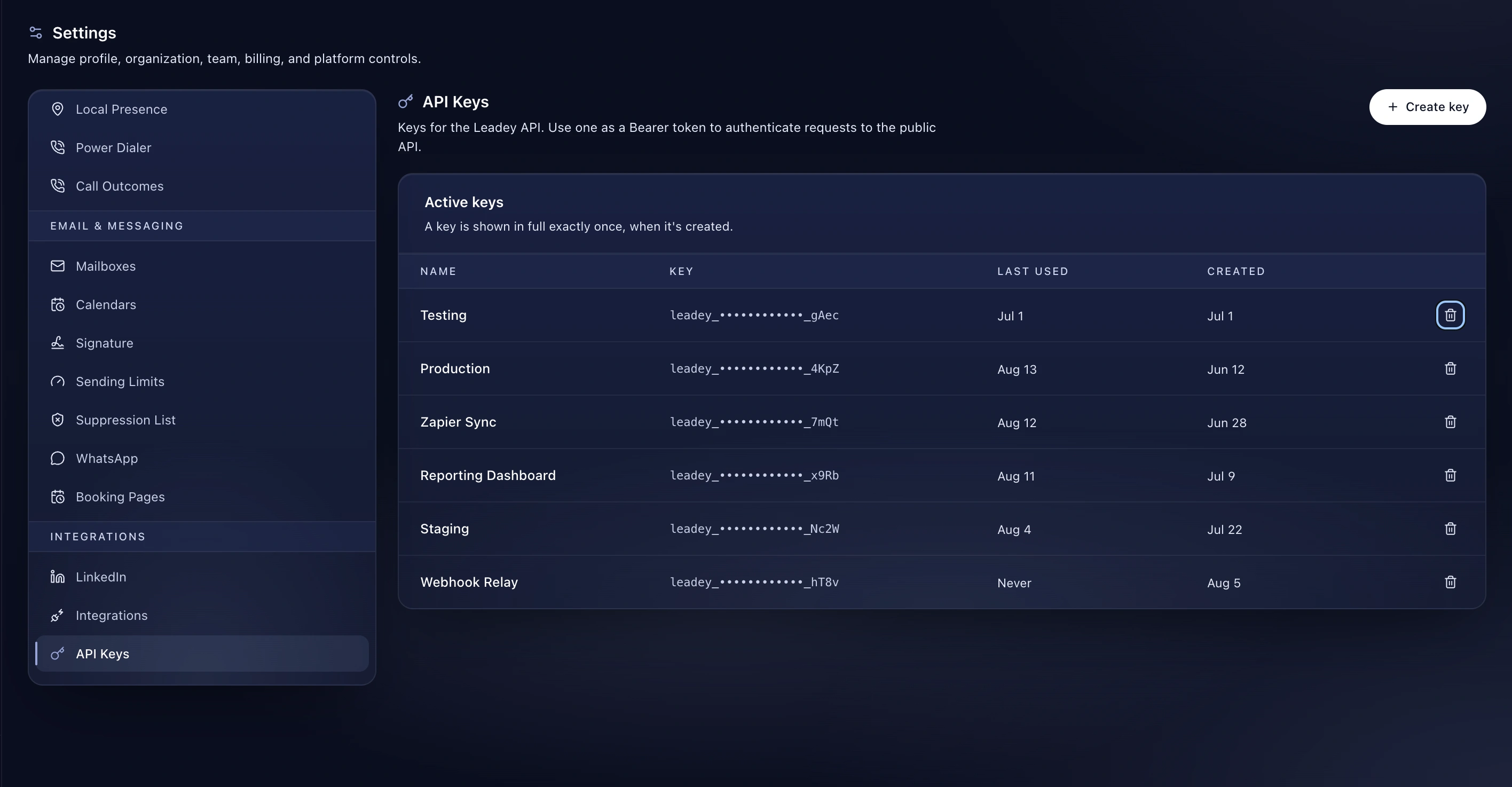
Yes. Any workflow can fire a webhook, and every campaign has an inbound webhook URL. Developers →

Explore