Engage

No lead ever goes cold

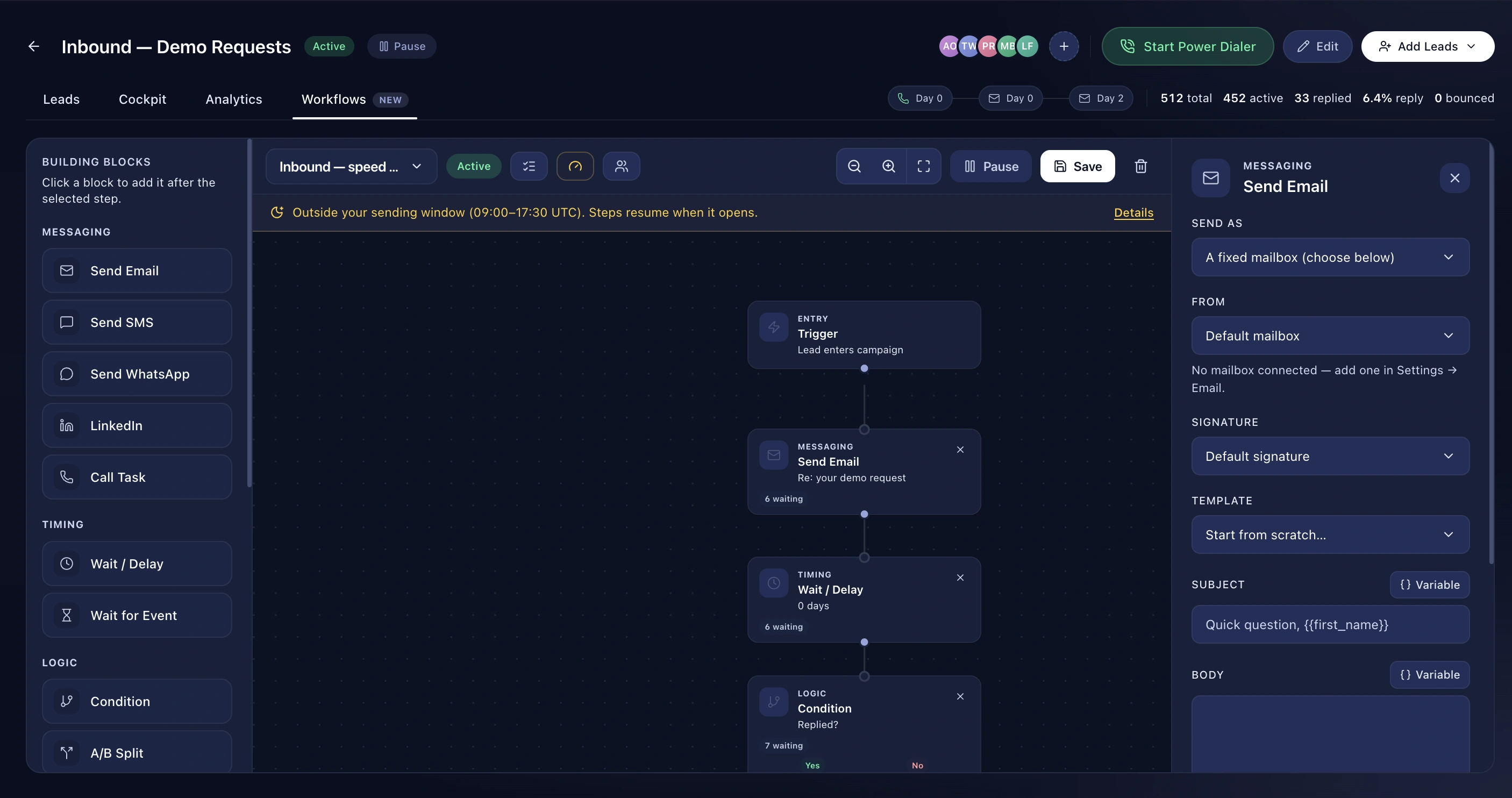
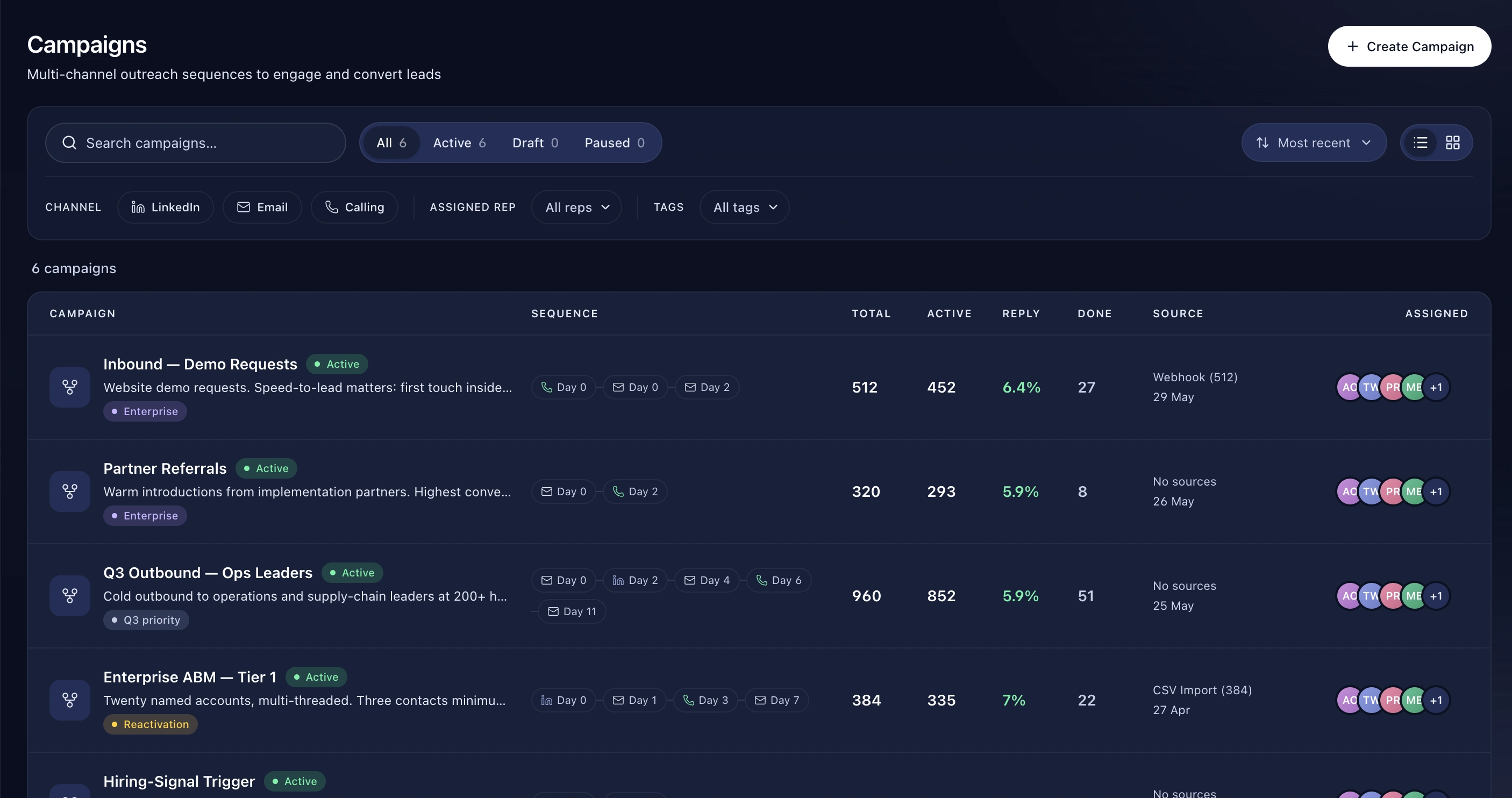
Multi-step sequences across calls, email, SMS, WhatsApp and LinkedIn, with the audience and the sending accounts in one place.

Proof Points

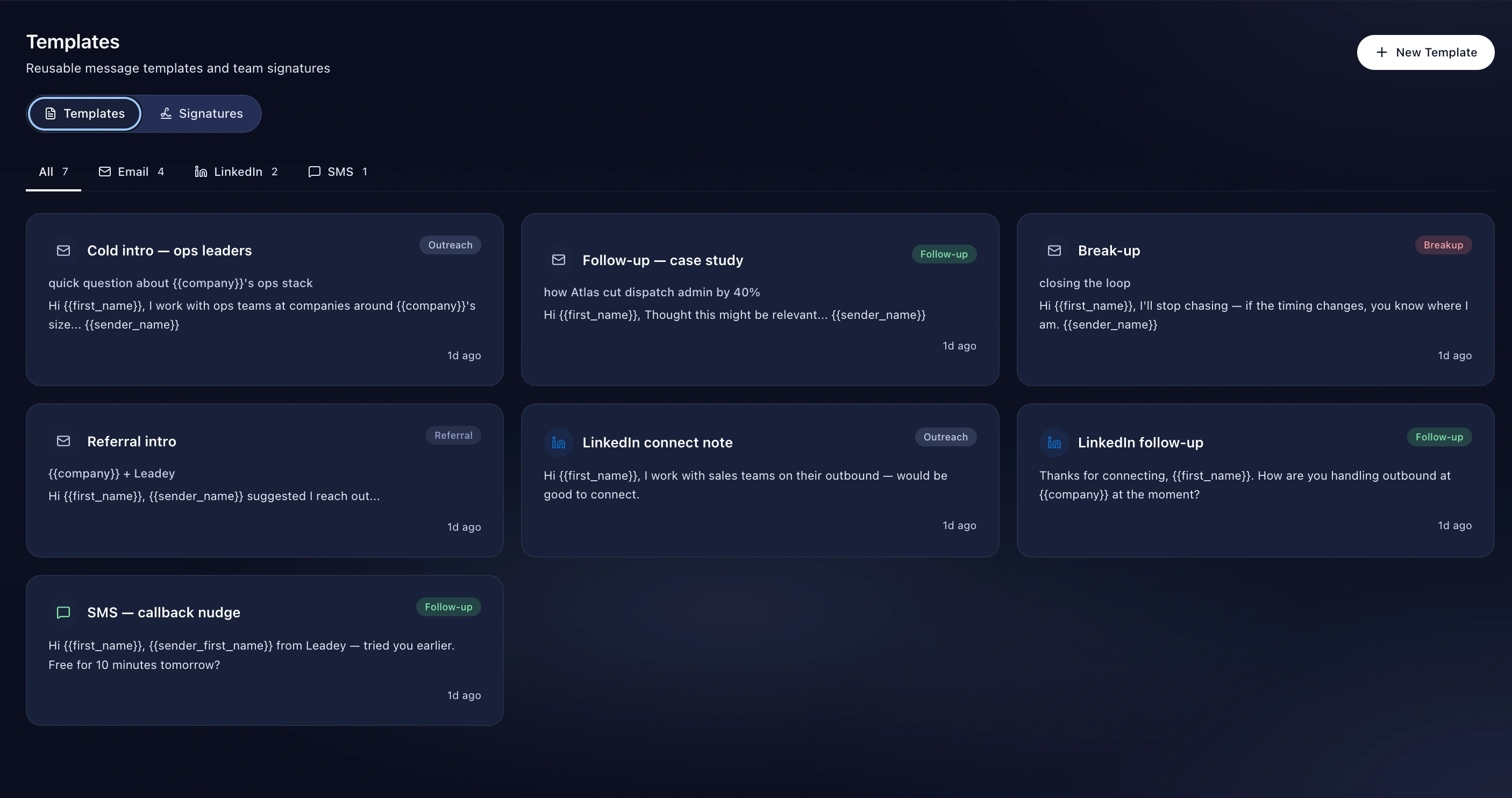
  • Step channels: call, email, LinkedIn, WhatsApp, SMS, manual task
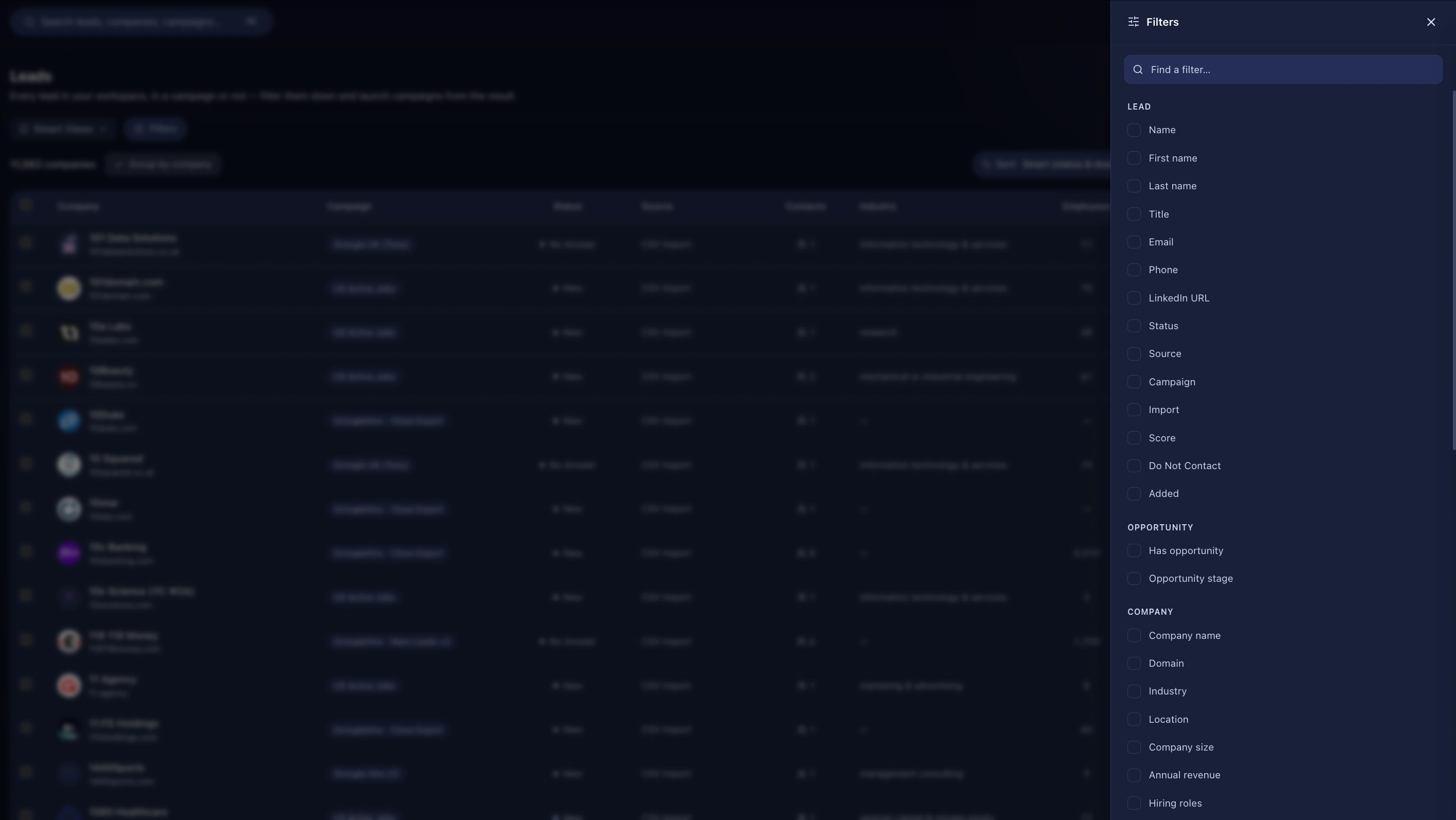
  • Dynamic filter-built audiences with a live match count
  • Buying-signal filters: hiring, funding, tech adoption, job change
  • Public or private campaigns with per-campaign members
  • CSV import with column mapping, inline custom fields, and full rollback
  • Per-campaign inbound webhook with 20+ field aliases
  • Step funnel, channel and source analytics

How It Works

  1. Name it and set visibility
  2. Build the audience — filter or list
  3. Lay out the sequence
  4. Choose sending accounts and launch

Benefits

Five channels in one sequence

Not an email sequence with a call reminder bolted on. Calls, emails, texts, WhatsApp messages and LinkedIn actions are all first-class steps, all drawing from the same daily sending budget.

Audiences that update themselves

Build the audience from a filter and see the match count before you launch. Anyone who newly matches gets picked up; you're not re-importing lists every week. Or pin a static list if that's what you want.

Import without the pain

CSV import with full column mapping, and you can create custom fields as you go rather than setting them up first. If an import goes wrong, roll the whole thing back in one click.

Leads from anywhere

Every campaign has its own webhook URL. Point Zapier, n8n, a web form or Facebook Lead Ads at it. It ships with twenty-plus field aliases, so most payloads map with no configuration at all.

Frequently asked questions

What's the difference between a campaign and a workflow?

A campaign is a linear sequence with an audience. A workflow is a branching canvas triggered by events. Most teams use both. Workflows →

Can I A/B test?

Yes, with an A/B split node in a workflow.

How many campaigns can I run?

Three on Starter, ten on Growth, unlimited on Scale. Pricing →

Explore