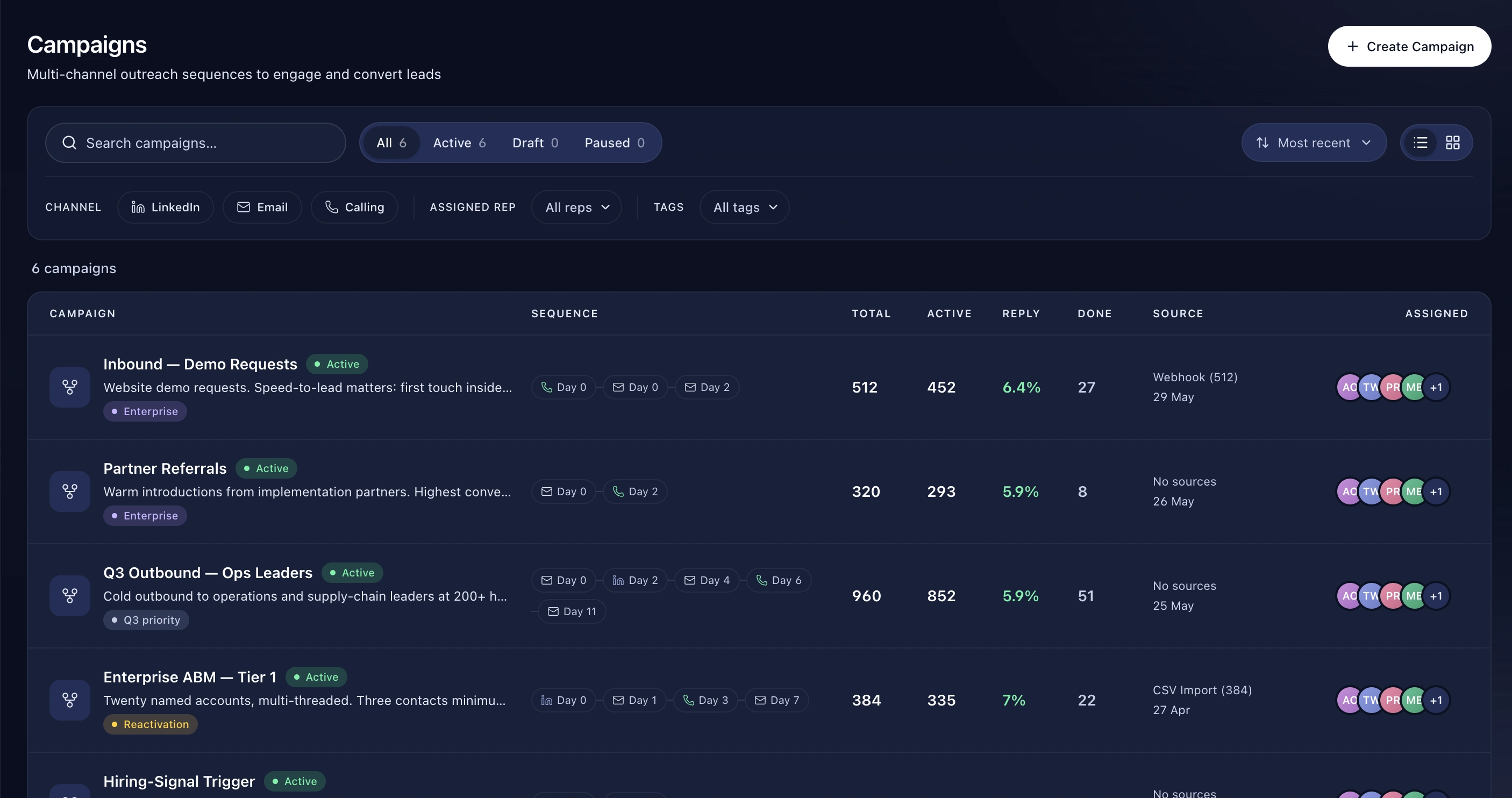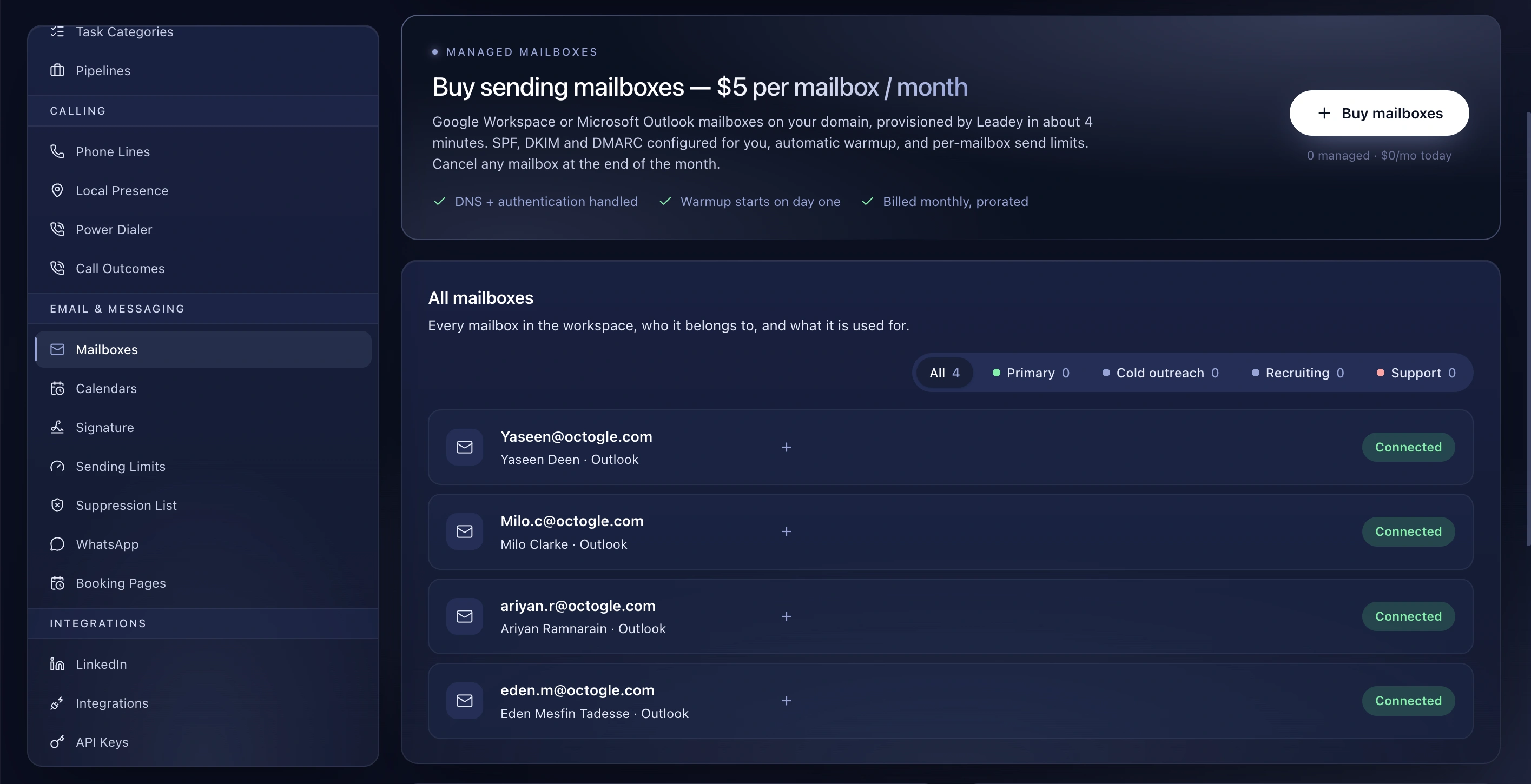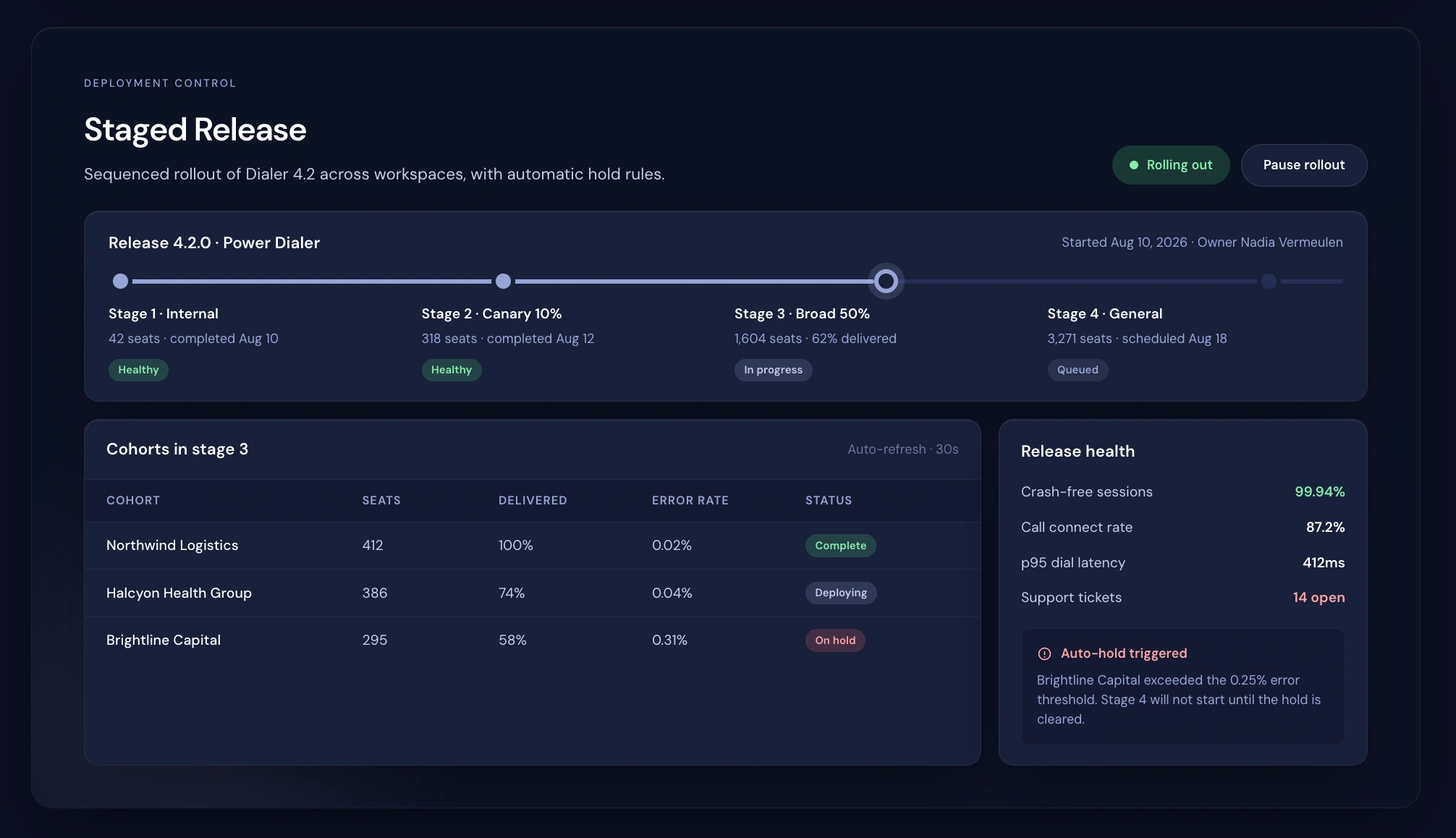
Engage

Draw what happens next

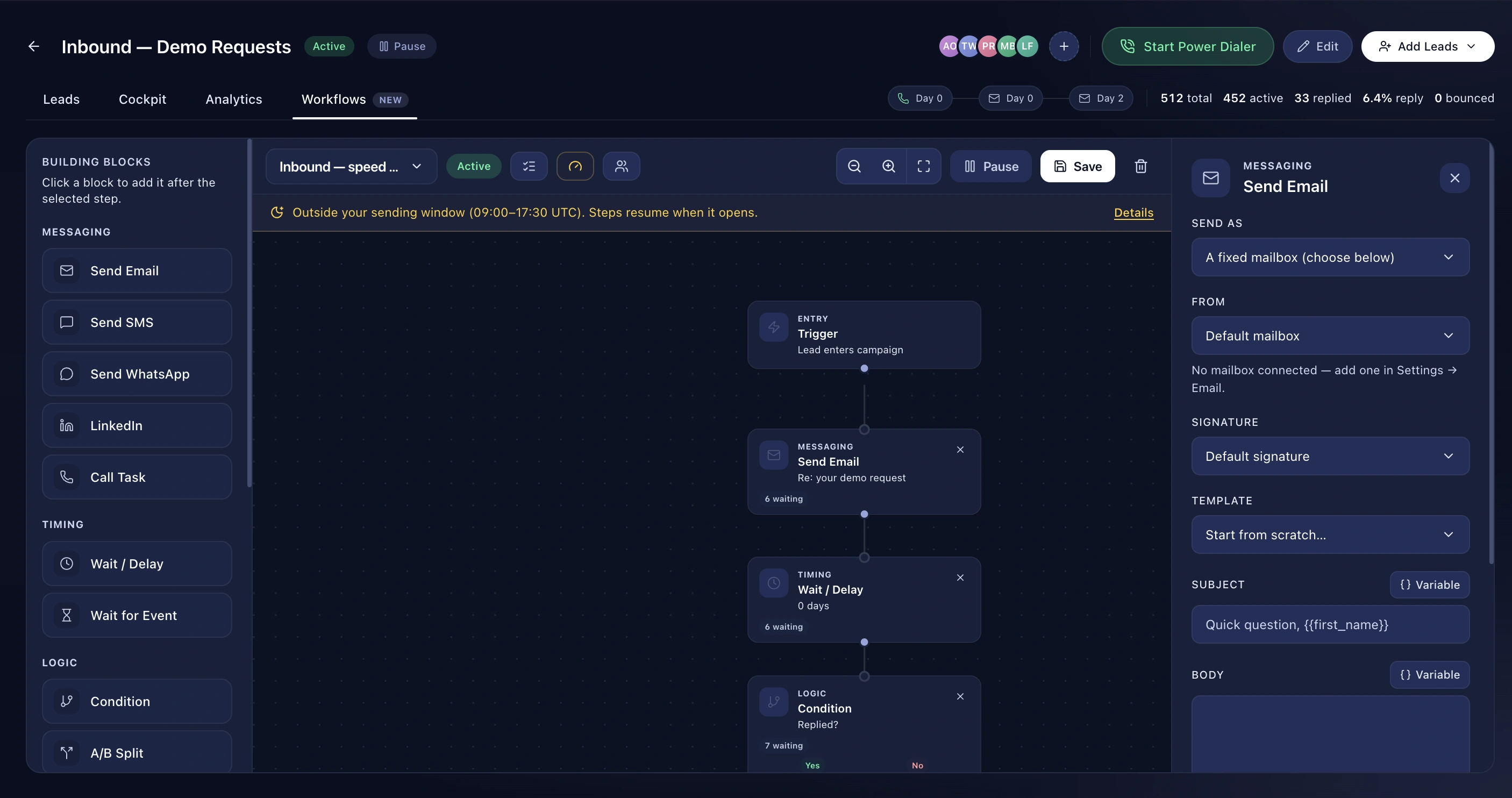
A drag-and-drop canvas with 17 block types and 13 triggers. Branches, waits, A/B splits and webhooks — no code.

Proof Points

  • 17 node types including A/B split, condition, and outbound webhook
  • 13 triggers including meeting upcoming, Smart View match, date field reached and LinkedIn connection accepted
  • Wait-for-event: replied, opened, clicked, connected, status, tag
  • Per-workflow sending window and timezone
  • Exit on reply, exit on meeting booked
  • Live per-node counts, with throttled distinguished from waiting
  • Per-lead skip reasons — no email, no LinkedIn URL, suppressed
  • Campaign-scoped or org-level

How It Works

  1. Pick a trigger
  2. Drag in the nodes and connect them
  3. Set the sending window and exit conditions
  4. Publish — and watch the counts

Benefits

Seventeen blocks, thirteen triggers

Send an email, SMS, WhatsApp message or LinkedIn action. Wait a fixed time, or wait for an event. Branch on a condition. Split traffic A/B. Change a status, add a tag, update a field, assign an owner, move an opportunity, fire a webhook. Then end, or mark the goal reached.

Triggers that matter commercially

Not just "lead added". A meeting is coming up in 30 minutes. An opportunity moved to Negotiation. A deal was lost. Someone newly matched a Smart View. A date field is 30 days out — which is how you automate renewals without writing anything.

See it working

Every node on the canvas shows live counts: how many leads are waiting there, how many are throttled by a daily cap rather than a timer, how many failed in the last day. When something isn't sending, the canvas tells you which of those it is.

Pausing doesn't destroy anything

Pause a workflow and its leads are parked where they stand. Turn it back on and every one resumes from exactly the step it stopped at.

Frequently asked questions

Do I need to know how to code?

No. The webhook node is the only place you'd need a URL from another system.

Can a workflow run for the whole org, not one campaign?

Yes. Meeting and opportunity triggers usually should.

What happens if a lead has no email?

The node is skipped and the reason is recorded on the lead, so you can see exactly why.

Explore