Prospect

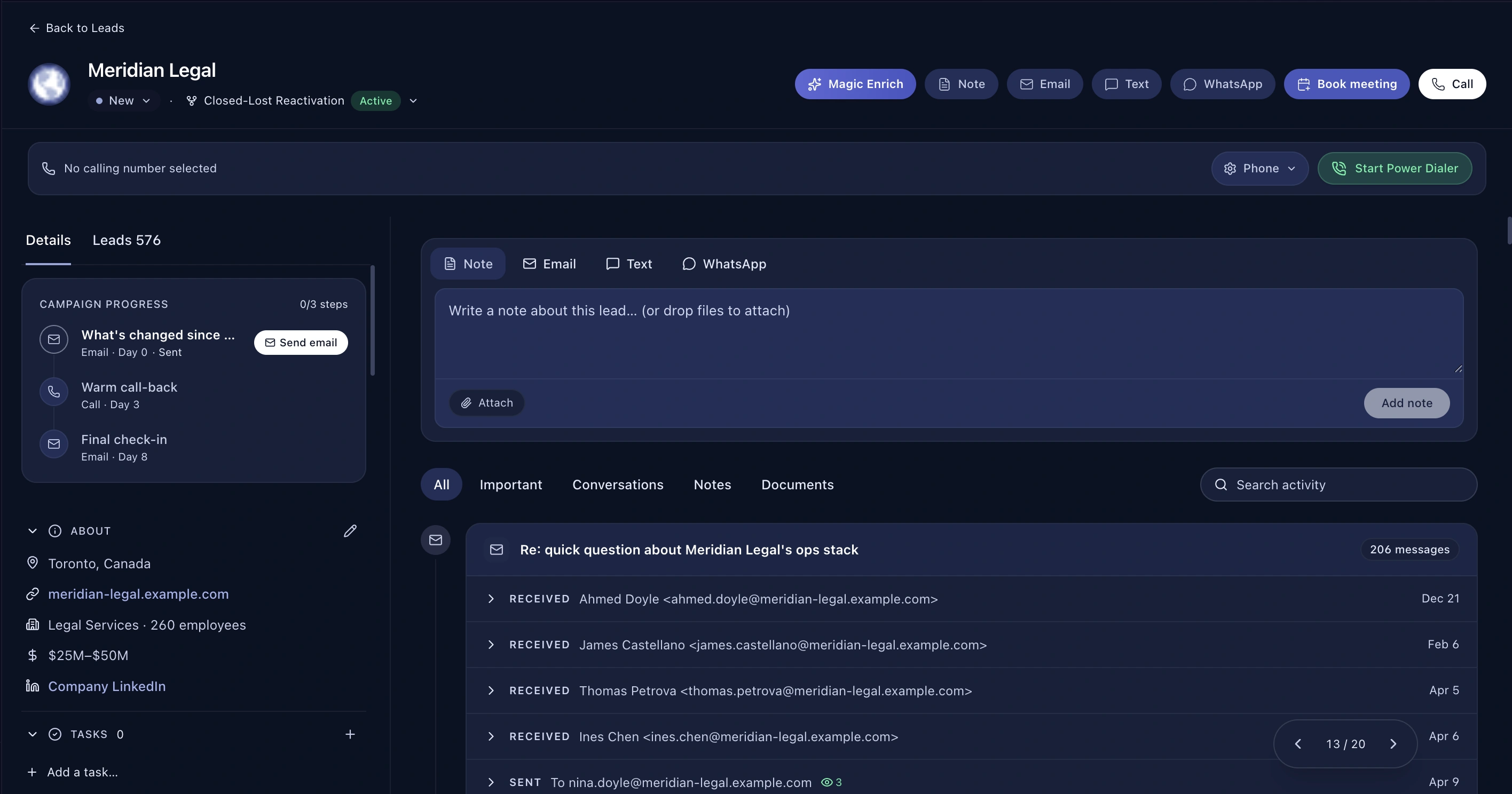
One page per account

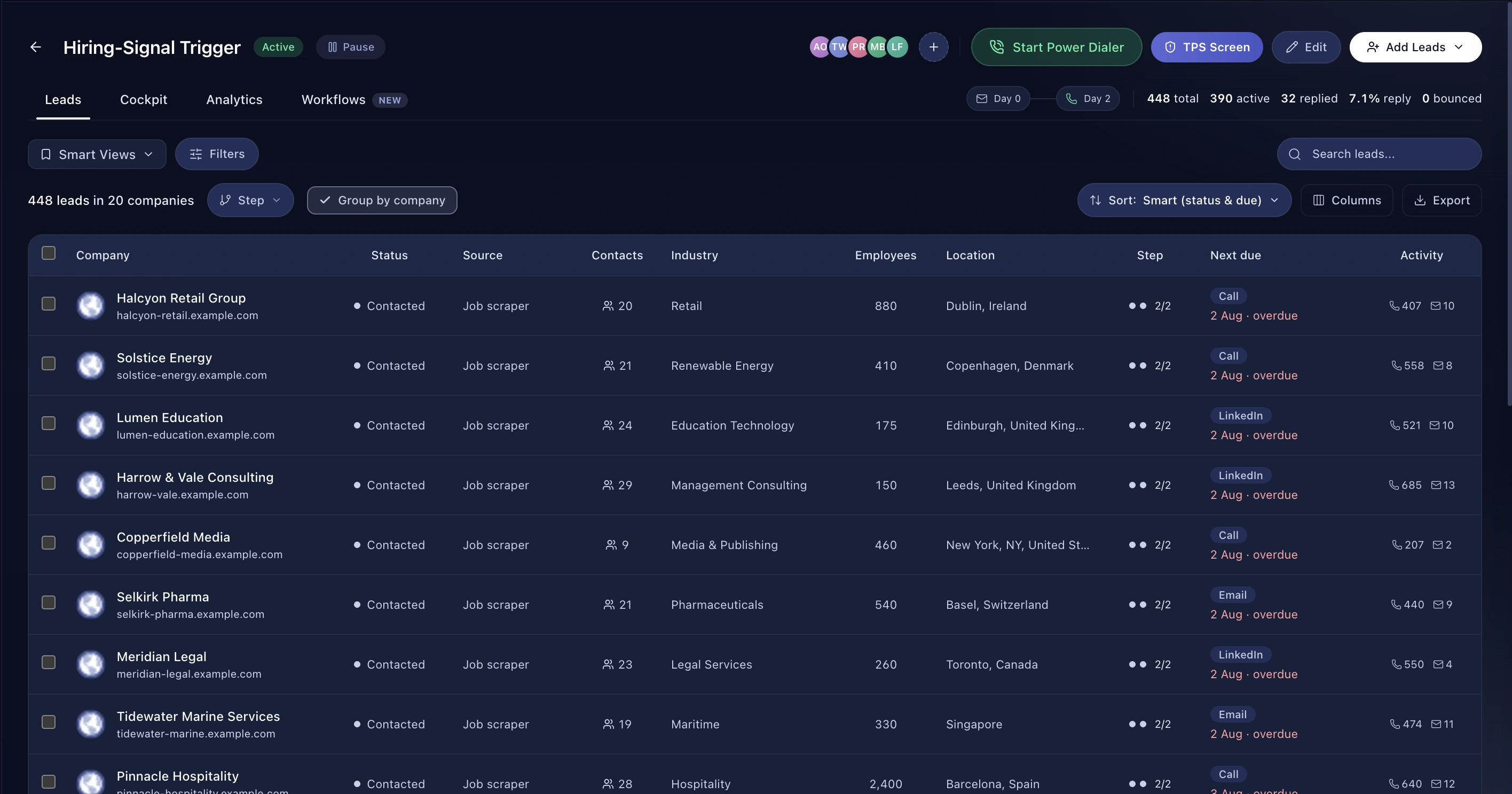
Every contact you have at a company, across every campaign, with one merged activity timeline.

Proof Points

  • Every contact across every campaign, in one place
  • Merged timeline with campaign attribution on each entry
  • Revenue as a range, never a fabricated figure
  • Where the data provider returns nothing, the field is left empty rather than guessed
  • Hiring signals attached to the account

How It Works

  1. Open any lead and click through to the company
  2. See every contact and the full merged history
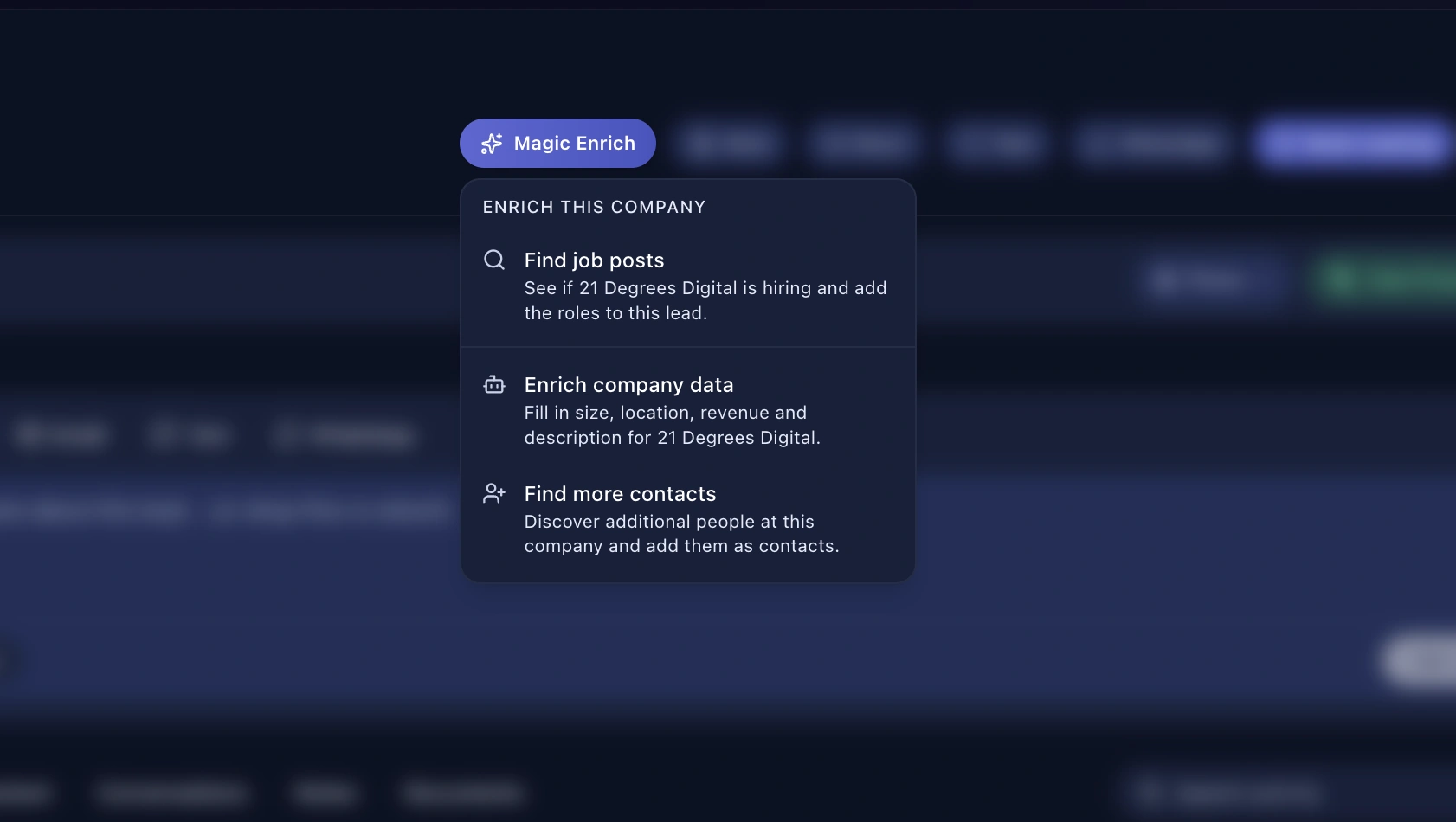
  3. Enrich to fill gaps
  4. Find more people at the account

Benefits

Stop discovering you're already in a conversation

Two reps working the same account from two campaigns is embarrassing when the prospect notices. The company profile shows you the whole picture before you dial.

Enriched, honestly

Magic Enrich fills in domain, headquarters, description, headcount, revenue and logo. Revenue is shown as a range, not a made-up point figure, and headcount uses the conservative end of the band — so nobody walks into a call overstating how big the prospect is.

Signals attached

Job postings the company has put out sit on the profile alongside the contacts, so the reason to call is on the same page as the person to call.

Frequently asked questions

How are companies matched?

By domain first, then by normalised name — so the same company from two different imports doesn't become two records.

Can I see companies across all campaigns?

Yes, that's the point of the profile.

Where does the enrichment come from?

Crustdata's company screener. More →

Explore